

Sites — at a glance
Sites are the logical representation of a physical place where you deploy and monitor devices. A Site groups devices, templates, monitoring rules, agents, and configuration so you can manage and understand a location as a single unit.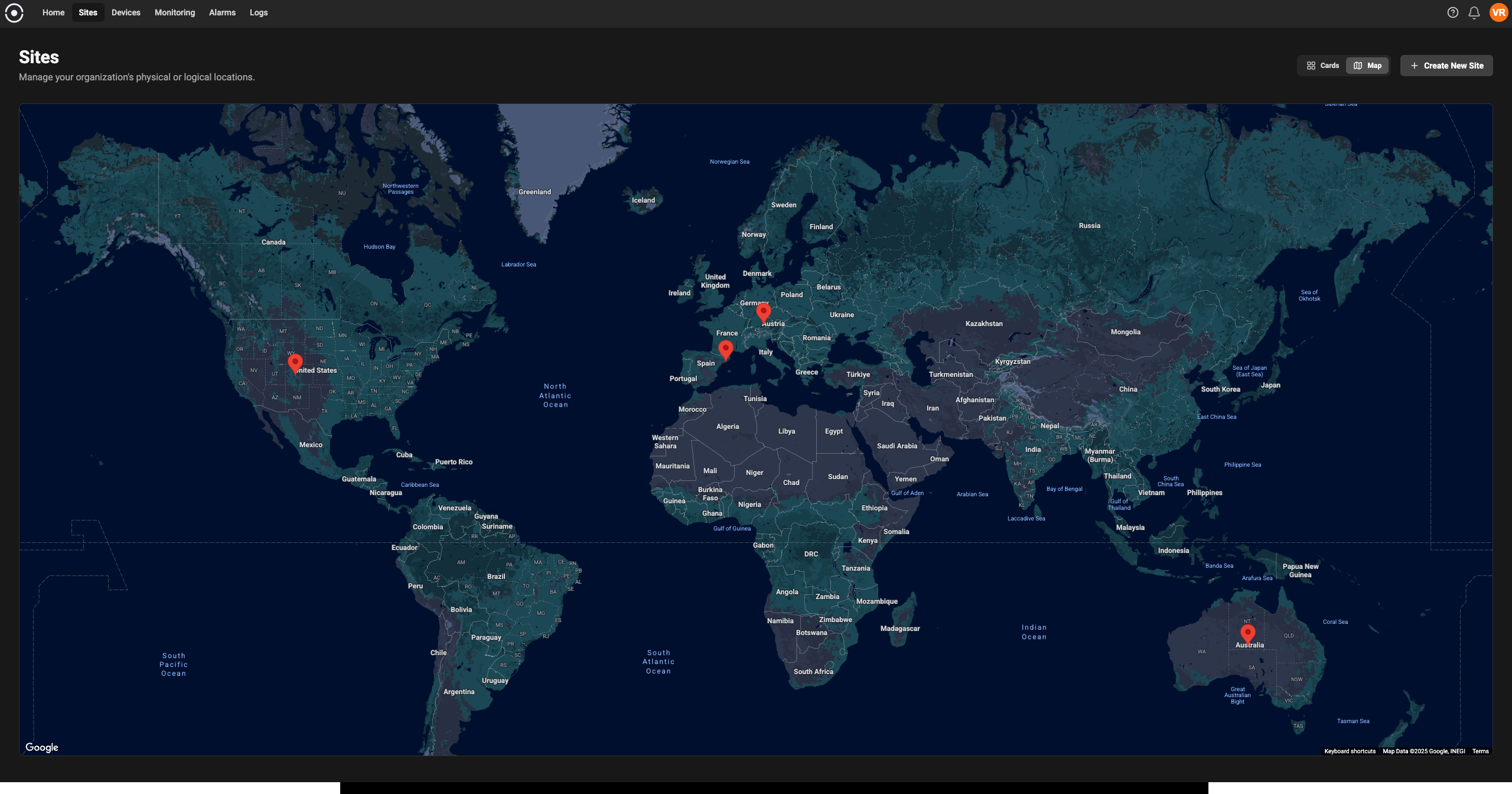
Key concepts
- Site: A container for devices and settings that correspond to a physical or organizational location (for example: a factory floor, building, or vehicle).
- Device: Any asset that connects to the platform (PLC, gateway, sensor, controller). Devices are assigned to a Site so telemetry and rules are scoped correctly.
- Agent: The software component that runs near or on devices to collect telemetry and forward it to the platform. Agents are often deployed per Site or per gateway.
- Monitoring Rule / Alarm: Conditions and thresholds applied to device telemetry. Rules are typically created at site level to trigger alerts and notifications.
- Role & Permission: Access controls that determine who can view or modify a Site and its resources.
Typical Site workflows
The following common workflows show how Sites are used day-to-day.1) Create a Site
Purpose: Register a new physical location in the platform. Why: Sites give you the scope for searching, grouping, and applying monitoring consistently. Example: Create a Site for “Plant 3 - Paint Line”.2) Add devices to a Site
Purpose: Associate physical devices with the Site so their telemetry appears in the correct context. Tips:- Use meaningful device IDs—include site or line prefixes if you expect many devices.
- If many devices are similar, assign a template to reduce repetitive configuration.
3) Deploy agents for the Site
Purpose: Ensure telemetry from devices at the Site is collected reliably. Best practice: Pin the agent configuration in version control or deployment tooling, and use templated config files so you can redeploy quickly across multiple sites.4) Use site dashboards and reports
Purpose: Provide operators and managers an at-a-glance view of site health. What to include:- Key KPIs (uptime, throughput, error rate)
- Device health and connection status
- Active alarms and recent events
- Topology map or floorplan links (if available)
Example: Quick start (create-onboard-monitor)
- Create a Site called “Warehouse A”.
- Onboard a device and assign it to “Warehouse A”.
- Install the agent on the device and configure the site ID.
- Create a monitoring rule: if average temperature over 5 minutes > 30°C, create Alarm “High temp - Warehouse A” and notify me.
Permissions and access control
Sites are often visible to many users but editable by a smaller set. Use roles to control access:- Viewer: Can see assigned site dashboards and view device telemetry.
- Operator: Can acknowledge alarms and run troubleshooting steps.
- Admin: Can add/remove devices, change site settings, and deploy agents.
Best practices
- Standardize site naming: pick a convention (plant-line-room) and document it.
- Use templates for device consistency: reduces onboarding time and configuration drift.
- Monitor agent health separately: agent disconnection often explains missing telemetry.
FAQs
- Q: Can a device belong to multiple Sites?
A: No — a device has a single canonical Site assignment. If a device moves, update its Site. - Q: How do I move devices between Sites?
A: Edit the device’s Site assignment in the device details page.